Writing with AI
A 20 minute course in using AI to draft emails, reports, proposals and summaries that sound like you, with the checks that stop mistakes going out under your name.
For: People who write a lot of emails, Managers writing reports and updates, Sales and bid writers, HR and customer service teams
By the end, you will be able to
- Decide which writing tasks to hand to AI and which to keep for yourself
- Get drafts in your own voice by giving the AI samples of how you write
- Turn rough notes into a clear report or summary in minutes
- Plan and draft longer documents such as proposals section by section
- Check every draft for facts, tone and anything confidential before it leaves
- Know when to tell people that AI helped, and how to say it
AI changes every week. Don't worry, so do we.
A course recorded last year can teach menus that no longer exist. We built this course to keep up with the tools.
- Checked every week against the latest AI tool updates, the law and guidance
- Updated when something changes, usually the same week
- Every update included in your 12 months of access
Up to date: checked 10 November 2026
See how the lessons work
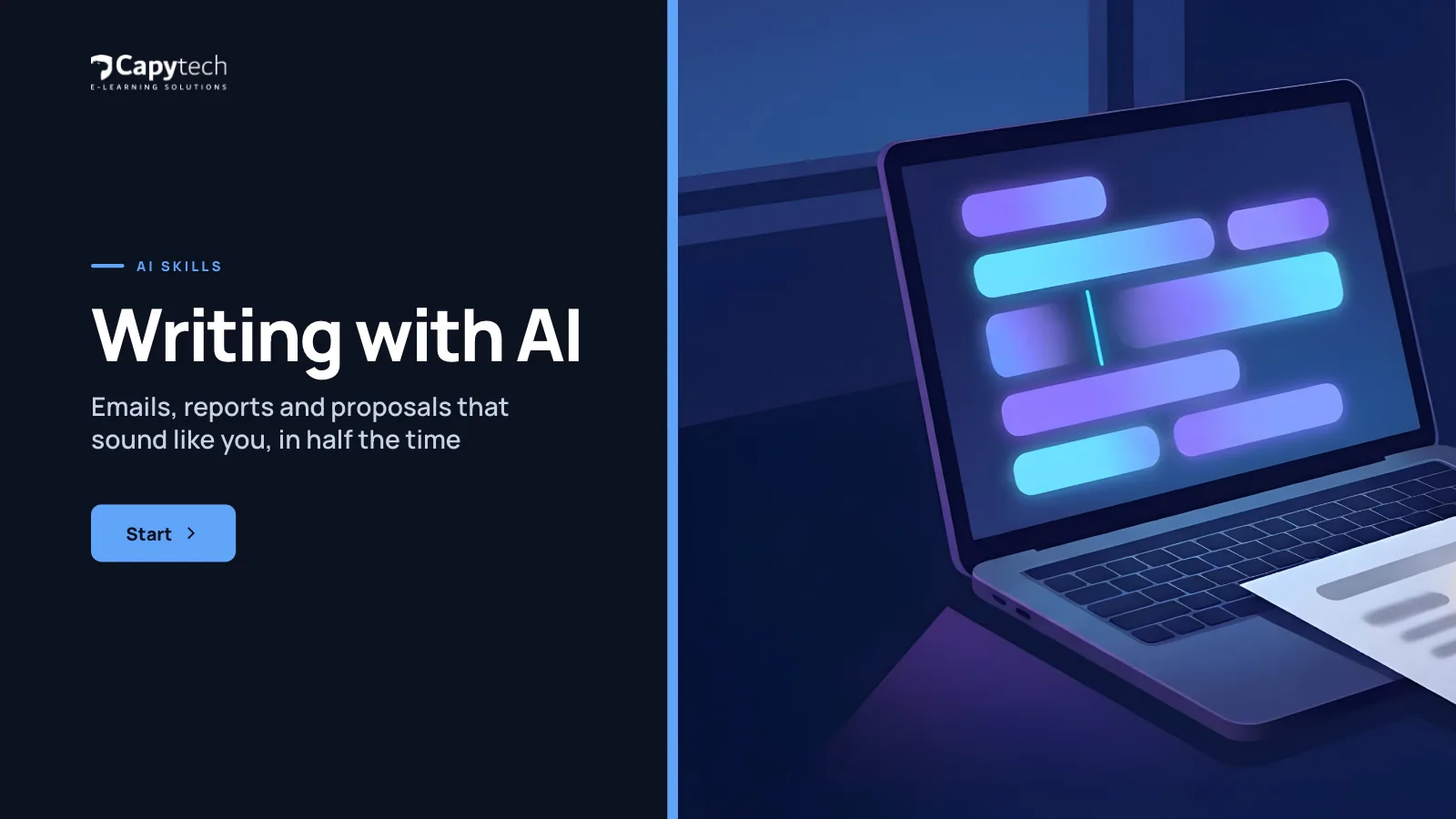
Start screenReal screens from Writing with AI
Six short lessons and a quiz
- 01
Draft, do not dictate
2 min - 02
Emails that land
3 min - 03
Reports and summaries
2 min - 04
Your voice, not the machine's
3 min - 05
Edit like a pro
3 min - 06
Honesty and judgement
2 min Knowledge check8 questions, 80% to pass, then download your certificate
4 minKey takeawaysA short recap of the course
1 min
Each lesson follows a colleague at a fictional UK company through a real work situation, then asks you to try the idea yourself.
Made for people at work
For anyone who writes at work and wants to do it faster without losing quality. Especially useful if your AI drafts come back stiff, too long or full of phrases you would never use.
- People who write a lot of emails
- Managers writing reports and updates
- Sales and bid writers
- HR and customer service teams
- Small business owners
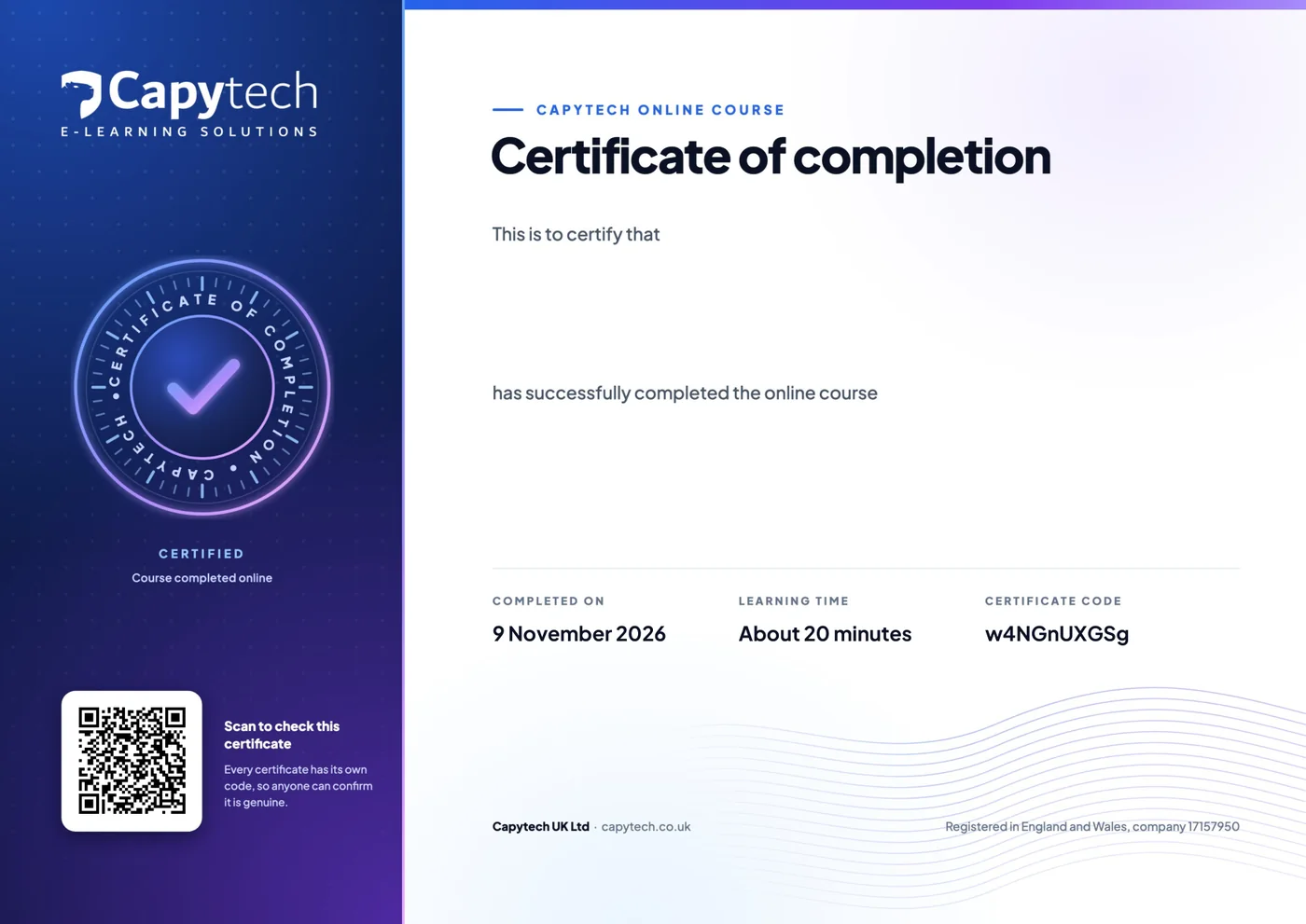
Your certificate of completion
Pass the 8 question quiz at 80% and download a PDF certificate with your name, the course, the date and a verification code anyone can check.

Get this and 23 more in All Access
24 courses for £29 inc VAT instead of £207, each with its own certificate.
Take it further
 20 minStart here
Prompting That Works
Structure, context, examples and iteration: get useful answers from any AI tool, first time.
£9£7.50 ex VAT 20 minAI skills
Research and Summarising with AI
Meetings, long documents and notes: summarise fast and check the sources.
£9£7.50 ex VAT 20 minYour AI tool
Microsoft Copilot in Your Day
Microsoft Copilot in Word, Outlook, Teams, Excel and PowerPoint: what to ask it and what to check.
£9£7.50 ex VAT Free20 minStart here
AI at Work: The Essentials
What AI is, what it gets wrong, safe use at work and your organisation's rules. The free starting point for everyone.
Freewith a free account
Buying for a team?
Every learner gets their own account and certificate, and you get one invoice. Tell us how many people and which courses, and we set it all up for you.
Want AI training for the whole organisation? See AI training.
- £39 a person5 people or moreAll Access for each learner, with one invoice. Until 31 January 2027 everyone pays the £29 launch price.
- Quote50 or more peopleA price built around your numbers, with progress reporting for managers.
Questions, answered
We answer every message ourselves, usually the same working day.
Will people be able to tell I used AI?
Not if you follow the course. Most AI writing gives itself away through a generic tone and stock phrases. You will learn to give the AI samples of your own writing and to edit the draft so it reads as yours.
Which tools does it work with?
ChatGPT, Microsoft Copilot (including Microsoft Copilot in Word and Outlook), Claude, Gemini and other AI writing tools. The method is the same in each.
Is it all right to use AI for work emails and documents?
Usually, yes, as long as you use the tools your organisation approves and keep confidential and personal information out of tools that are not approved. The course shows you how to check, and AI Safety and Data Protection goes deeper.
Does it cover proofreading and editing?
Yes. You will use AI to tighten, shorten and restructure your own writing, and learn why you should still read the final version yourself before it is sent.
Is it part of a bundle?
Yes. Writing with AI is in All Access, which gives you every course in the library for one price.
Can I get a refund?
Yes, if you have not started the course: ask within 14 days of buying and we will refund you in full. Once you start a course the sale is final, so if you want to see how our courses work first, try AI at Work: The Essentials, which is free. Your statutory rights are not affected.
Is this course up to date?
Always. AI changes every week, and so do we. We check this course every week. When an AI tool, the law or the guidance changes, the course changes, and the update reaches you straight away. The date of the last check is shown on this page, and every update is included in your 12 months of access.







Start Writing with AI today
£9 inc VAT (£7.50 ex VAT), with 12 months access and every update.
Buying for five or more people? Ask about team prices.