AI for Spreadsheets and Data
A 20 minute course in using AI to write formulas, clean messy data, analyse it and build charts, in Excel and Google Sheets, with the checks that catch wrong answers.
For: Finance and operations staff, Analysts and administrators, Managers who report on numbers, Small business owners
By the end, you will be able to
- Ask AI to write and explain formulas you can trust
- Clean and reshape messy data in minutes
- Ask questions of your data in plain English
- Build charts that answer a real question
- Check AI analysis before you share the numbers
- Keep sensitive data out of tools that are not approved
AI changes every week. Don't worry, so do we.
A course recorded last year can teach menus that no longer exist. We built this course to keep up with the tools.
- Checked every week against the latest AI tool updates, the law and guidance
- Updated when something changes, usually the same week
- Every update included in your 12 months of access
Up to date: checked 10 November 2026
See how the lessons work
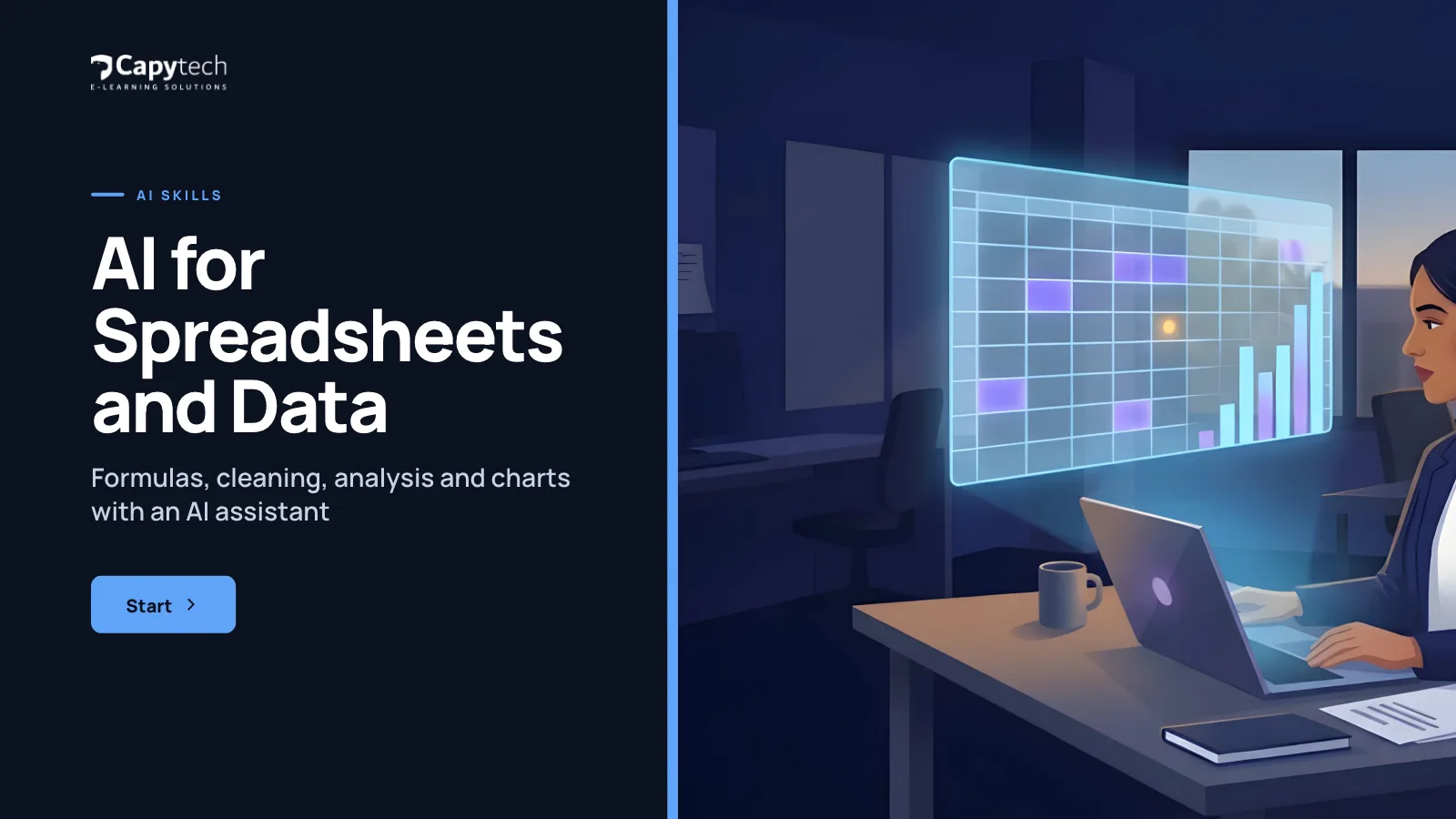
Start screenReal screens from AI for Spreadsheets and Data
Six short lessons and a quiz
- 01
What AI can and cannot do with your data
2 min - 02
Formulas without the fear
3 min - 03
Cleaning messy data
2 min - 04
Analysis and questions
2 min - 05
Charts and the story
2 min - 06
Checking and data safety
4 min Knowledge check8 questions, 80% to pass, then download your certificate
4 minKey takeawaysA short recap of the course
1 min
Each lesson follows a colleague at a fictional UK company through a real work situation, then asks you to try the idea yourself.
Made for people at work
For people who work with spreadsheets and want to spend less time on formulas and tidying data.
- Finance and operations staff
- Analysts and administrators
- Managers who report on numbers
- Small business owners
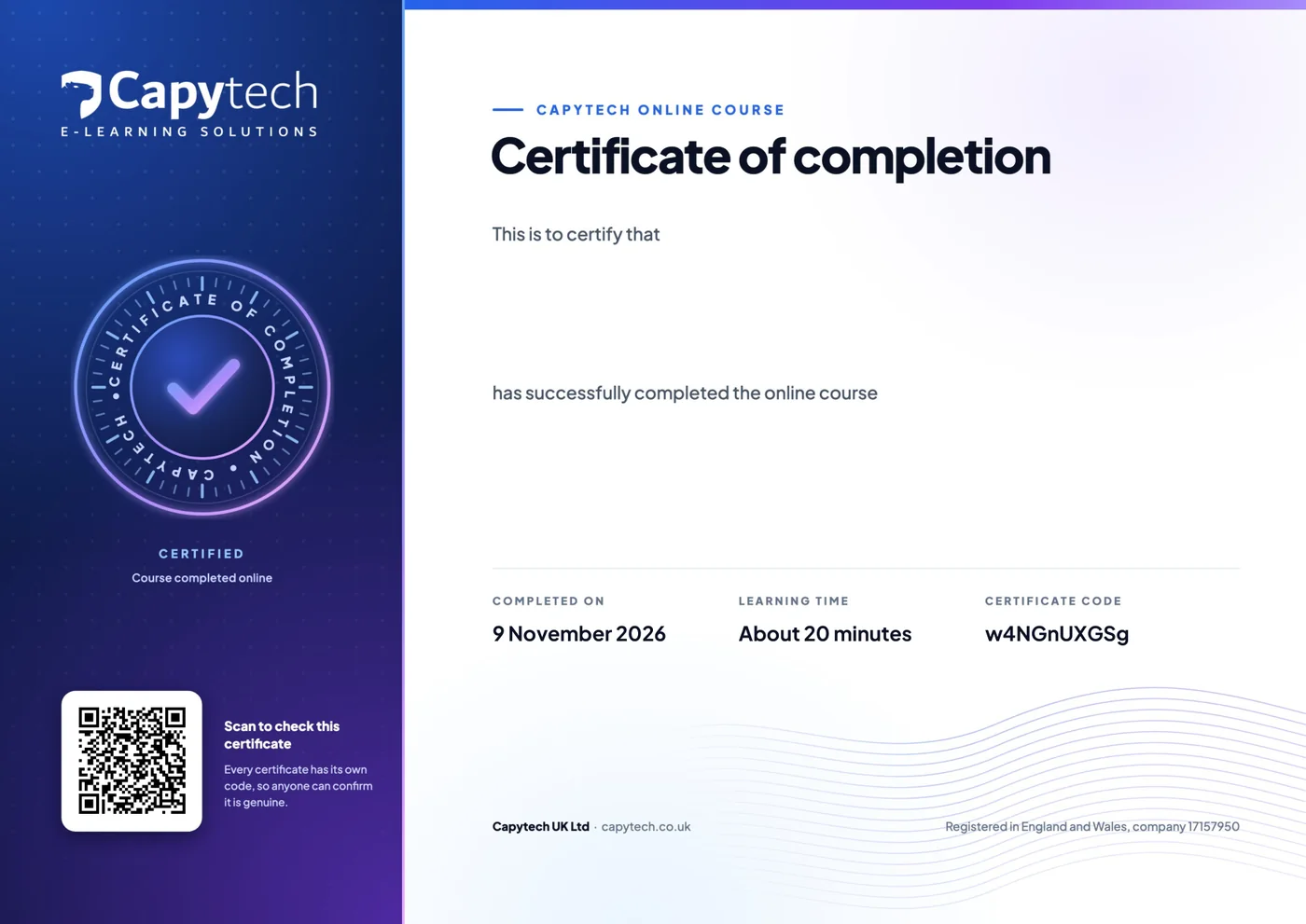
Your certificate of completion
Pass the 8 question quiz at 80% and download a PDF certificate with your name, the course, the date and a verification code anyone can check.

Get this and 23 more in All Access
24 courses for £29 inc VAT instead of £207, each with its own certificate.
Take it further
 20 minYour AI tool
Microsoft Copilot in Your Day
Microsoft Copilot in Word, Outlook, Teams, Excel and PowerPoint: what to ask it and what to check.
£9£7.50 ex VAT 20 minYour AI tool
Gemini and Google Workspace AI
Gemini in Gmail, Docs, Sheets, Meet and Gems.
£9£7.50 ex VAT 20 minAI for your role
AI for Finance
Board reporting, analysis, forecasting and payment fraud checks with AI help.
£9£7.50 ex VAT Free20 minStart here
AI at Work: The Essentials
What AI is, what it gets wrong, safe use at work and your organisation's rules. The free starting point for everyone.
Freewith a free account
Buying for a team?
Every learner gets their own account and certificate, and you get one invoice. Tell us how many people and which courses, and we set it all up for you.
Want AI training for the whole organisation? See AI training.
- £39 a person5 people or moreAll Access for each learner, with one invoice. Until 31 January 2027 everyone pays the £29 launch price.
- Quote50 or more peopleA price built around your numbers, with progress reporting for managers.
Questions, answered
We answer every message ourselves, usually the same working day.
Does it cover Excel and Google Sheets?
Yes. The methods work in both, with Microsoft Copilot in Excel, Gemini in Sheets, or a general AI tool such as ChatGPT or Claude.
Do I need to be good at Excel already?
No. You need to be comfortable opening a spreadsheet. The course shows you how to get AI to explain anything you do not understand.
Can I get a refund?
Yes, if you have not started the course: ask within 14 days of buying and we will refund you in full. Once you start a course the sale is final, so if you want to see how our courses work first, try AI at Work: The Essentials, which is free. Your statutory rights are not affected.
Is this course up to date?
Always. AI changes every week, and so do we. We check this course every week. When an AI tool, the law or the guidance changes, the course changes, and the update reaches you straight away. The date of the last check is shown on this page, and every update is included in your 12 months of access.
Do I get a certificate?
Yes. Pass the 8 question quiz at 80% and you can download a certificate of completion as a PDF, with your name, the course title, the date and a verification code that anyone can check.
How long do I have access?
12 months from the day you buy, including every update we make to the course in that time. You can go back through the lessons as often as you like.
Can I take the course on my phone?
Yes. The course runs in your web browser on a phone, tablet or computer, with nothing to install, and it remembers where you got to.













Start AI for Spreadsheets and Data today
£9 inc VAT (£7.50 ex VAT), with 12 months access and every update.
Buying for five or more people? Ask about team prices.