Gemini Notebook (NotebookLM) for Work
A 20 minute course in using Gemini Notebook, called NotebookLM until July 2026, to get answers from your own documents with citations, turn them into briefings and audio, and share them safely with your team.
Gemini Notebook (NotebookLM) for Work is a 20 minute online course from Capytech for office staff and managers. It costs £9 inc VAT, or comes with All Access, and you get a certificate when you pass the quiz.
For: Office staff and managers, Policy, compliance and legal teams, Operations and project teams, Anyone preparing briefings or tender packs
By the end, you will be able to
- Explain what a notebook does that an ordinary AI chat does not
- Build a notebook from current, approved sources, one topic at a time
- Ask sharper questions and open the citation before you trust an answer
- Choose the right Studio output, such as an Audio Overview, mind map or report
- Share a notebook with the right people as Viewers or Editors
- Know what to keep out of a notebook, and what can still go wrong
How do you use NotebookLM at work?
NotebookLM, now called Gemini Notebook, is a Google tool where you add your own documents and ask questions that are answered from those sources, with a numbered citation on each line. At work, build one notebook per topic from current, approved documents, ask specific questions, and open the citation before you act on an answer.
- Add the right sources. A notebook takes PDF, Word and PowerPoint files, Google Docs, Slides and Sheets, web links, public YouTube videos and pasted text. Keep one topic per notebook, current approved versions only, and name each source with a date or version.
- Ask specific questions. Hover over a citation number to read the passage, or select it to jump there, and check that the passage really says what the answer says.
- Treat a gap as useful. Google says that if the answer is not in your sources, it will not provide a response.
- Turn sources into something people use. The Studio can make Audio Overviews, Video Overviews, mind maps, reports, flashcards and more. Google says Audio Overviews may contain inaccuracies, so check any output before it goes to anyone.
- Share on purpose. Sharing a notebook shares every source in it. Viewers can ask questions and use the outputs, Editors can add and remove sources and share further, so keep Editors few.
- Use your work account. On a work or school account, Gemini Notebook is a core Google Workspace service, and Google says that data is not reviewed by human reviewers or used to train its models. Even so, keep payroll, grievance and health details out, and follow your organisation's rules.
Gemini Notebook (NotebookLM) for Work covers building, checking, sharing and protecting a notebook in six short lessons, with an 8 question quiz and a certificate.
AI changes every week. Don't worry, so do we.
A course recorded last year can teach menus that no longer exist. We built this course to keep up with the tools.
- Checked every week against the latest AI tool updates, the law and guidance
- Updated when something changes, usually the same week
- Every update included in your 12 months of access
Up to date: checked 20 November 2026
See how the lessons work
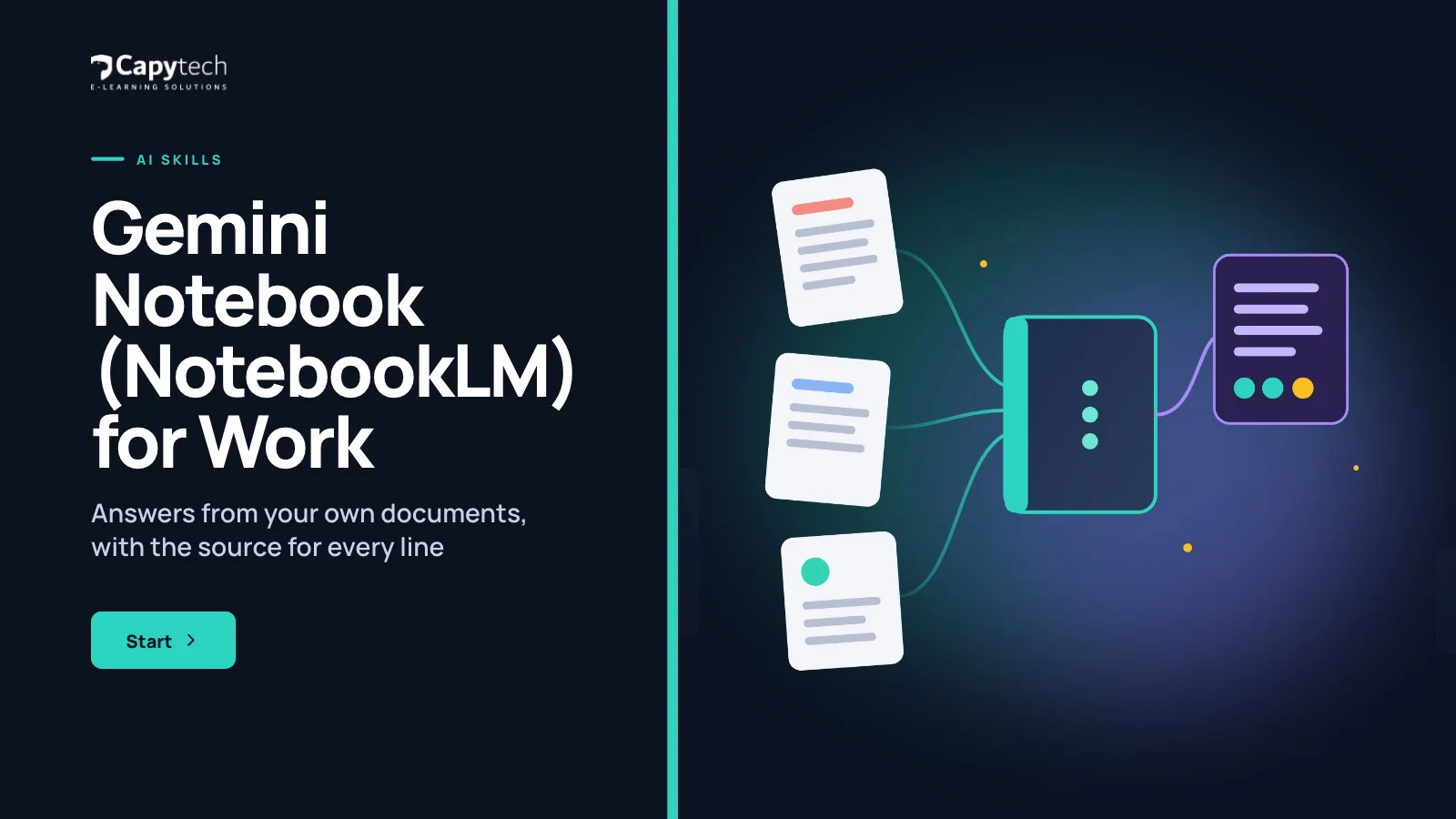
Start screenReal screens from Gemini Notebook (NotebookLM) for Work
Six short lessons and a quiz
- 01
What a notebook does
2 min - 02
Building a good notebook
3 min - 03
Asking and checking
3 min - 04
Turning sources into something useful
2 min - 05
Sharing with your team
2 min - 06
Limits and data protection
3 min Knowledge check8 questions, 80% to pass, then download your certificate
4 minKey takeawaysA short recap of the course
1 min
Each lesson follows a colleague at a fictional UK company through a real work situation, then asks you to try the idea yourself.
Made for people at work
For people who handle a lot of documents and want answers they can trace back to the source.
- Office staff and managers
- Policy, compliance and legal teams
- Operations and project teams
- Anyone preparing briefings or tender packs
- Teams already using Google Workspace
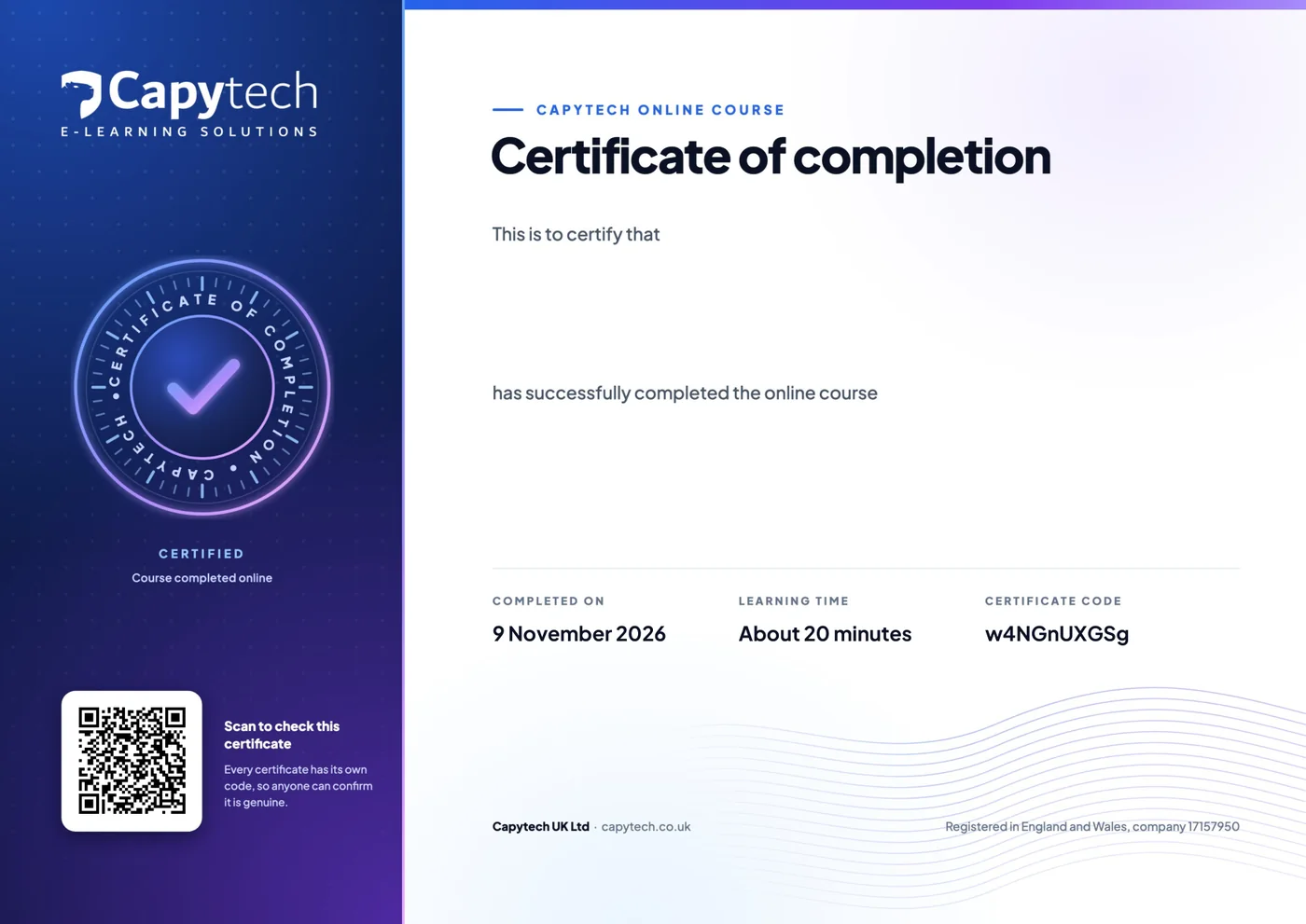
Your certificate of completion
Pass the 8 question quiz at 80% and download a PDF certificate with your name, the course, the date and a verification code anyone can check.

Get this and 29 more in All Access
30 courses for £29 inc VAT instead of £261, each with its own certificate.
Take it further
 20 minYour AI tool
Gemini and Google Workspace AI
Gemini in Gmail, Docs, Sheets, Meet and Gems.
£9£7.50 ex VAT 20 minAI skills
Research and Summarising with AI
Meetings, long documents and notes: summarise fast and check the sources.
£9£7.50 ex VAT 20 minStart here
AI Safety and Data Protection
Shadow AI, confidential data, prompts as personal data and the approved tools rule, under UK GDPR.
£9£7.50 ex VAT Free20 minStart here
AI at Work: The Essentials
What AI is, what it gets wrong, safe use at work and your organisation's rules. The free starting point for everyone.
Freewith a free account
Buying for a team?
Every learner gets their own account and certificate, and you get one invoice. Tell us how many people and which courses, and we set it all up for you.
Want AI training for the whole organisation? See AI training.
- £29 a person now£39 from 1 February 20275 people or moreAll Access for each learner, with one invoice.
- Quote50 or more peopleA price built around your numbers, with progress reporting for managers.
Questions, answered
We answer every message ourselves, usually the same working day.
Are NotebookLM and Gemini Notebook the same thing?
Yes. Google renamed NotebookLM to Gemini Notebook in July 2026. It is still a tool of its own, and notebooks can also be used in the Gemini app. The course uses the new name and keeps NotebookLM in the title so you can find it.
Is NotebookLM safe to use with business data?
With a work or school Google account, Gemini Notebook is a core Workspace service under your organisation's agreement, and your sources and chats are not reviewed by people or used to train models, even when you give feedback. With a free personal account, your content is not used to train Google's models unless you give feedback, and feedback can be reviewed by trained teams. Either way, files with people's details are personal data under UK GDPR, so the course shows you what to keep out of a notebook.
Is there a NotebookLM training course in the UK?
Yes. This 20 minute course from Capytech, a UK company, shows you how to build a notebook from your own documents, check every citation, share it safely and protect personal data, with a certificate at the end. It costs £9 inc VAT and is included in All Access.
Do I need a Google account to take the course?
No, but you will get more from it if you can try each step. The screens in the course are simplified drawings, not a real account, and the course tells you where a free personal account and a work account differ.
Can I get a refund on Gemini Notebook (NotebookLM) for Work?
Yes, if you have not started Gemini Notebook (NotebookLM) for Work: ask within 14 days of buying and we will refund you in full. Once you start a course the sale is final, so if you want to see how our courses work first, try AI at Work: The Essentials, which is free. Your statutory rights are not affected.
Is Gemini Notebook (NotebookLM) for Work up to date?
Always. AI changes every week, and so do we. We check this course every week. When an AI tool, the law or the guidance changes, the course changes, and the update reaches you straight away. We last checked Gemini Notebook (NotebookLM) for Work on 20 November 2026. Every update is included in your 12 months of access.
Do I get a certificate for Gemini Notebook (NotebookLM) for Work?
Yes. After the six lessons, pass the 8 question quiz at 80% and you can download a certificate of completion as a PDF, with your name, the course title, the date and a verification code that anyone can check.







Start Gemini Notebook (NotebookLM) for Work today
£9 inc VAT (£7.50 ex VAT), with 12 months access and every update.
Buying for five or more people? Ask about team prices.